


Title
The title of the page as you want it to appear on social media.
Control how your page looks when it's shared on social media. Fill in the fields, then paste the code into the <head> of your page.
The code updates as you type.
<meta property="og:title" content="Your page title" />
<meta property="og:type" content="website" />
<meta property="og:url" content="https://example.com/page" />
<meta property="og:image" content="https://example.com/image.jpg" />
Preview
Open Graph (OG) tags are <meta> tags in the HTML of a page. They control how your page appears when it's shared on social media, from the title and description to the preview image.
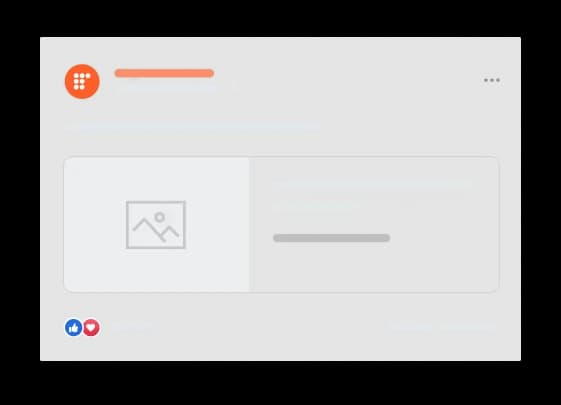

Without OG tags, the social platform decides how your post looks.
The title of the page as you want it to appear on social media.
The kind of content you're sharing, like an article, video, book, or company page. If you don't set a type, the default is usually "website". See the full list of types.
The URL of the page that all shares will link to. Use the clean URL, without UTM parameters.
The URL of the image shown as a preview when the page is shared.
A one or two sentence description of your page.
The name of the larger website your page belongs to, like "IMDb".
The language and region of the tags, in the format language_TERRITORY. Default is en_US.
Other locales this page is available in.
The URL of an audio file to go with your page.
The URL of a video file that complements your page.
The word that appears before the title in a sentence: a, an, the, "" (blank), or auto. Default is blank.
Find keywords, track your rankings, and fix SEO issues with Ubersuggest.
Try Ubersuggest for free